The point-of-sale, and the office that runs every venue behind it.
One Android app on the floor for hospitality, retail and tours. One Master Office in the browser for the operator — every venue, every device, every shift, in one place.
One app, three tradesTable service, counter retail and tours run on the same build.
Multi-venue by defaultBrands, venues and rooms sit under one operator account.
Plugs into what you runAccounting, rostering, bookings, ordering and delivery connect in.
Payments underneathThe payment terminal and the point-of-sale are one system, not two.
Capabilities
What PayPOS does on the floor and in the office.
Every screen below is part of the shipped product. The floor app and the Master Office share one database, so a change made in the office is on the device before the next order.
The floor
Table map or counter grid, seats, splits, modifiers, move and merge, open tabs with a running total, and a floor plan you drag into the shape of the room.
Kitchen screen
Orders land on the kitchen or bar screen as tickets, colour-coded by age, bumped when they go out. Built to be read across a pass, not across a desk.
Retail and tours
Scan a barcode or sell a dated booking from the same screen as a coffee. One order line, one settlement, one report at the end of the day.
Labour and staff
Staff PINs and permissions, clock on and off from the same screen crew already use, shift and end-of-day close, drawer counts and the variance beside them.
Devices and versions
Every terminal in every venue, its app version, its update track and when it last checked in. Updates go out over the air, brand by brand, never mid-trade.
Status and alerts
A device that stops checking in, an order that does not clear, a connection that drops its authorisation — the office is told, with the venue and the device named.
Reporting
Takings, orders, average order value, top items and category splits per venue and across the group — today first, then the periods behind it.
Ask your point-of-sale
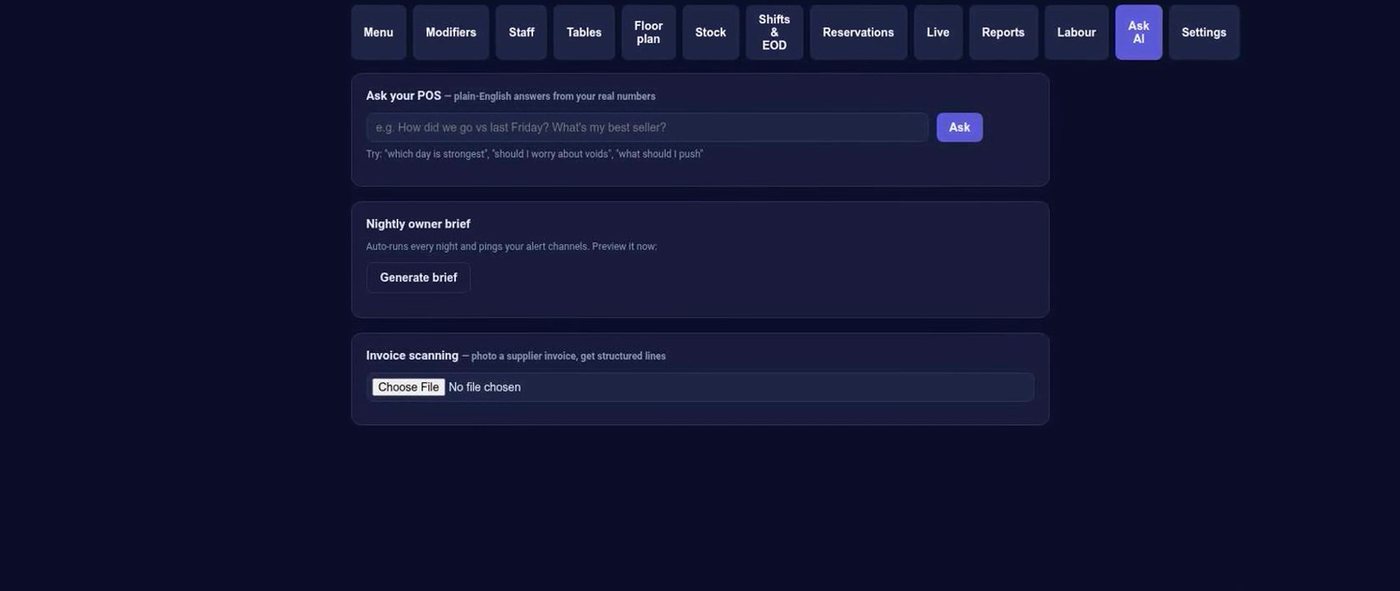
Plain-English questions answered from the venue's own numbers, a nightly owner brief, and supplier invoices read into structured lines instead of typed in.
Hardware
It ships on real hardware, and it goes out the door.
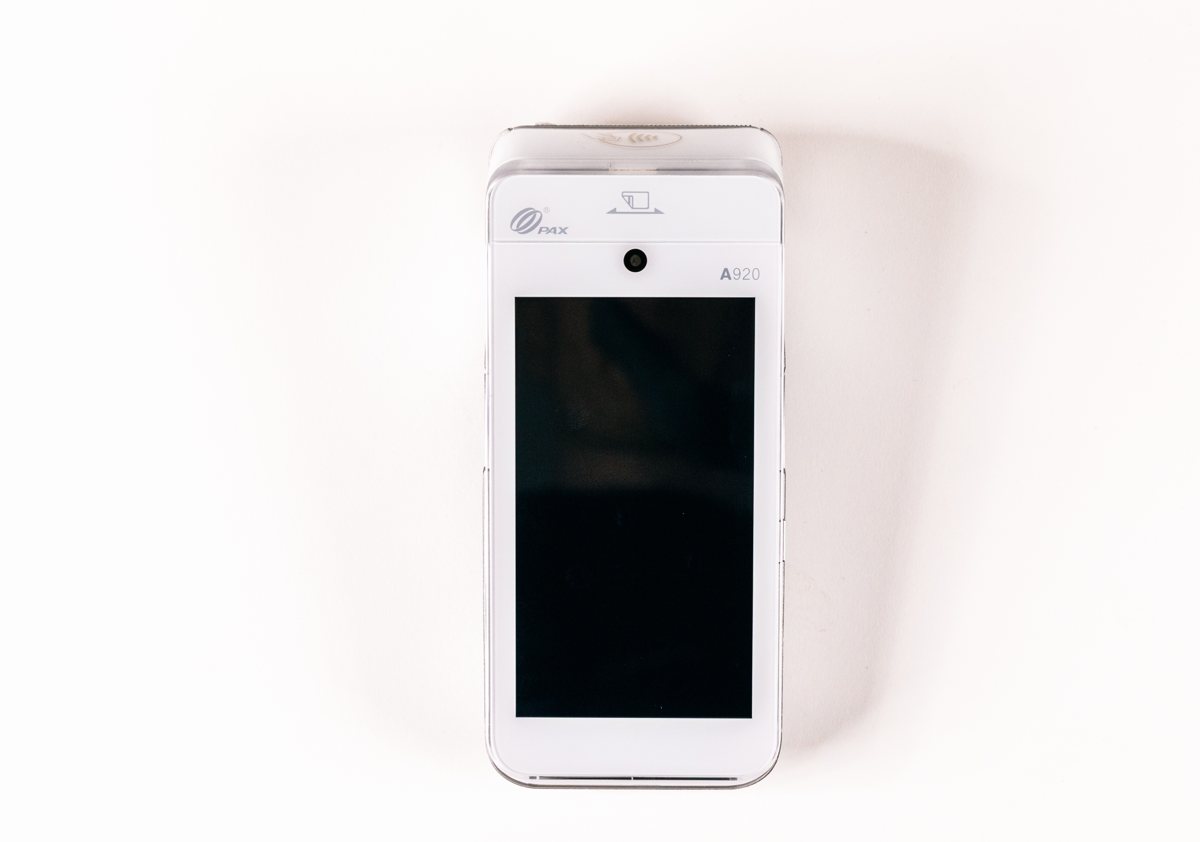
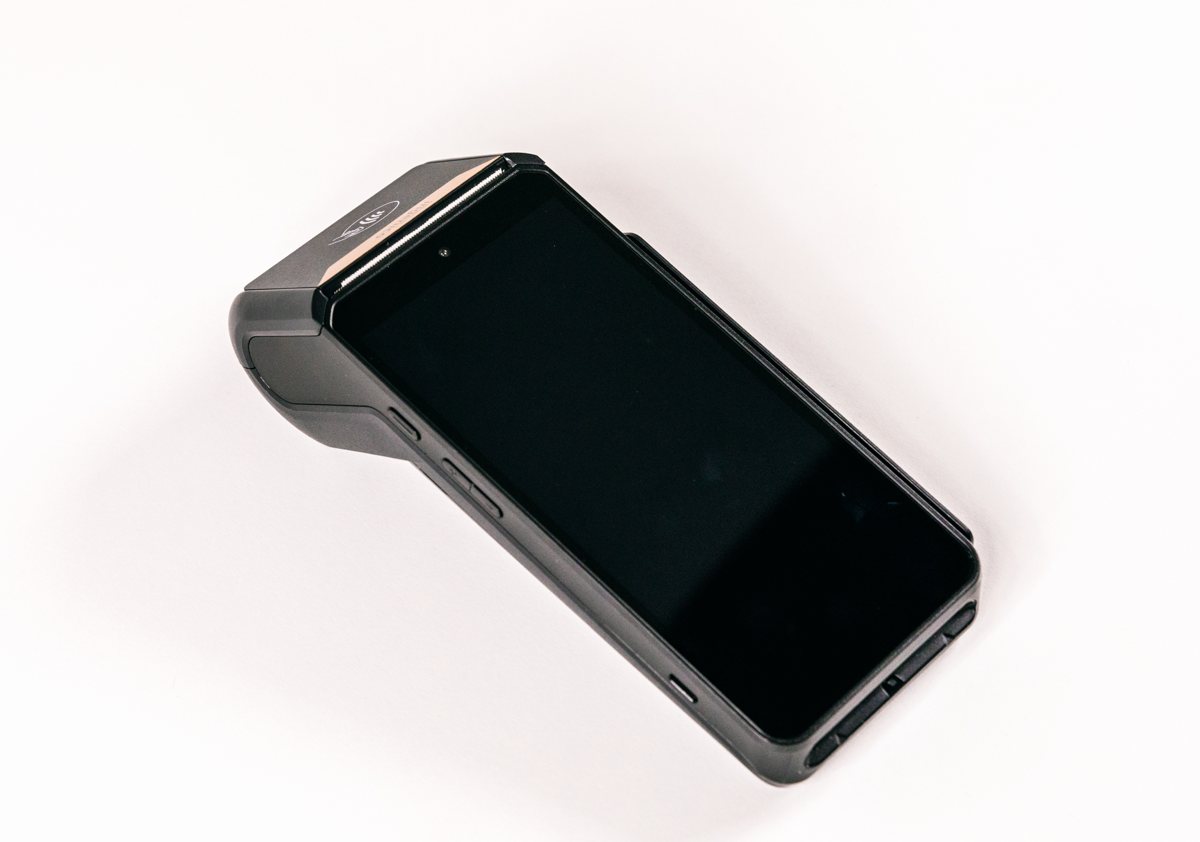
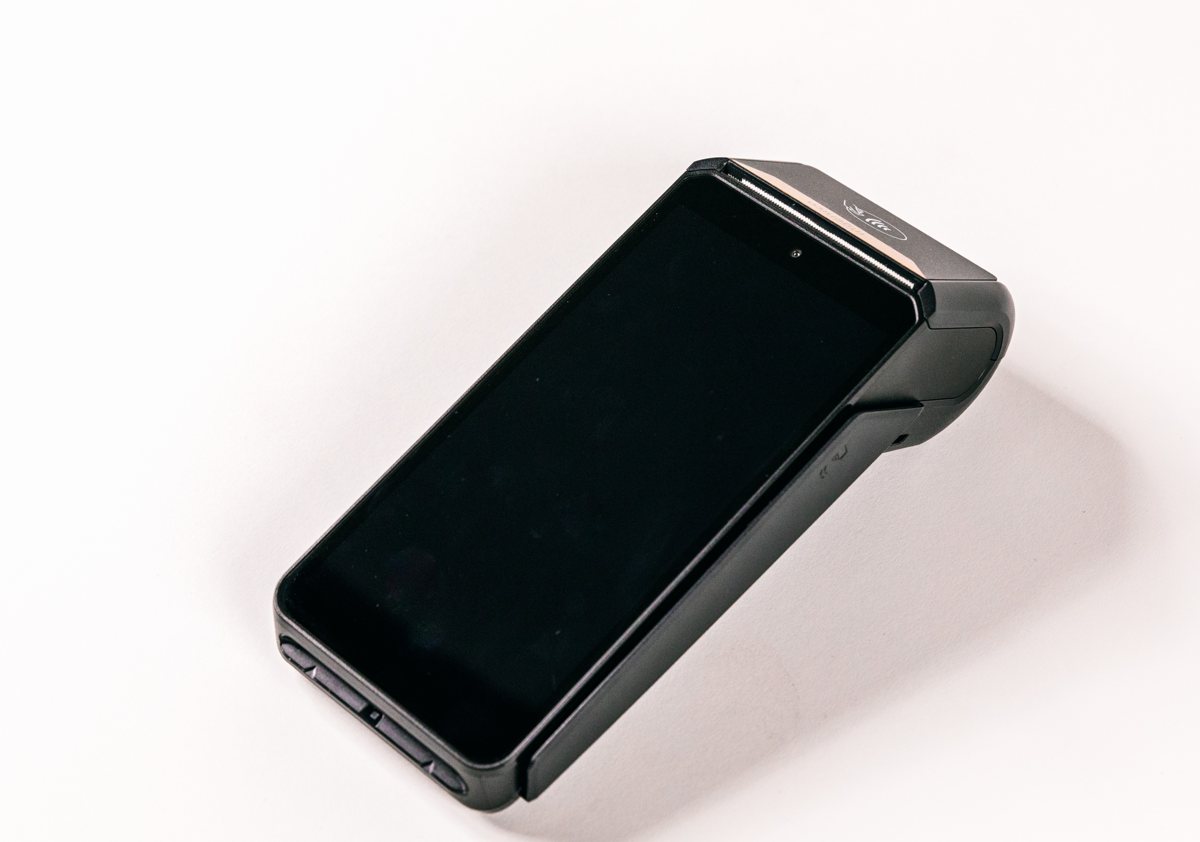
Counter-top and handheld payment terminals, an Android app that is the same build on every one of them, and a fleet view in the office that knows which device is on which version.
On the counterCard reader, receipt printer and the point-of-sale on one device, so the order and the payment never disagree.In the handThe same build in a handheld, taken to the table, the queue, the gate or the tour desk.Paid, in the same flowTap, insert or swipe on the same device that took the order, so the payment is part of the order rather than a separate box beside it.
One binary, one code. Stock exists before a venue does. A device redeems a single-use code the first time it opens and binds itself to the venue — nothing to install, nothing to re-flash. Updates go out over the air on the brand's own track, and the office sees every terminal, its version and when it last checked in.
Plugins and integrations
Keep the apps the venue already runs. PayPOS plugs into them.
The integration layer is part of the platform, not a separate subscription. A venue re-authorises its own accounts through a tick-box wizard, each connection scoped to exactly what it needs and revocable in one click, with a full audit trail. Existing contracts with each app carry over untouched — only the connection is new.
Accounting
Daily sales journal, categorised and tax-split, tenders reconciled to their own clearing accounts.
XeroMYOBBookkeepSage
Rostering and labour
Pull the roster in, push the worked hours back from clock-ins — labour against sales, live.
Guest programmes and group-level analytics reading the same order data.
MarselloStamp MeWrappedTenzoYelp Guest Manager
Read this before quoting anything: a catalogue of 50+ connectors across Australia and the United States is the launch scope, built out in the open.
live marks a connector connected and tested against real venue data today — the accounting sales journal is live.
in build marks one in active development now. Unmarked tiles are committed catalogue, not a delivered claim. Delivery platforms connect at launch through a certified delivery bridge — one connection, every major platform — with direct connections following as each approval lands.
Product
The real screens, as they ship.
Captured from the running product on a demonstration venue. Nothing here is a mock-up.
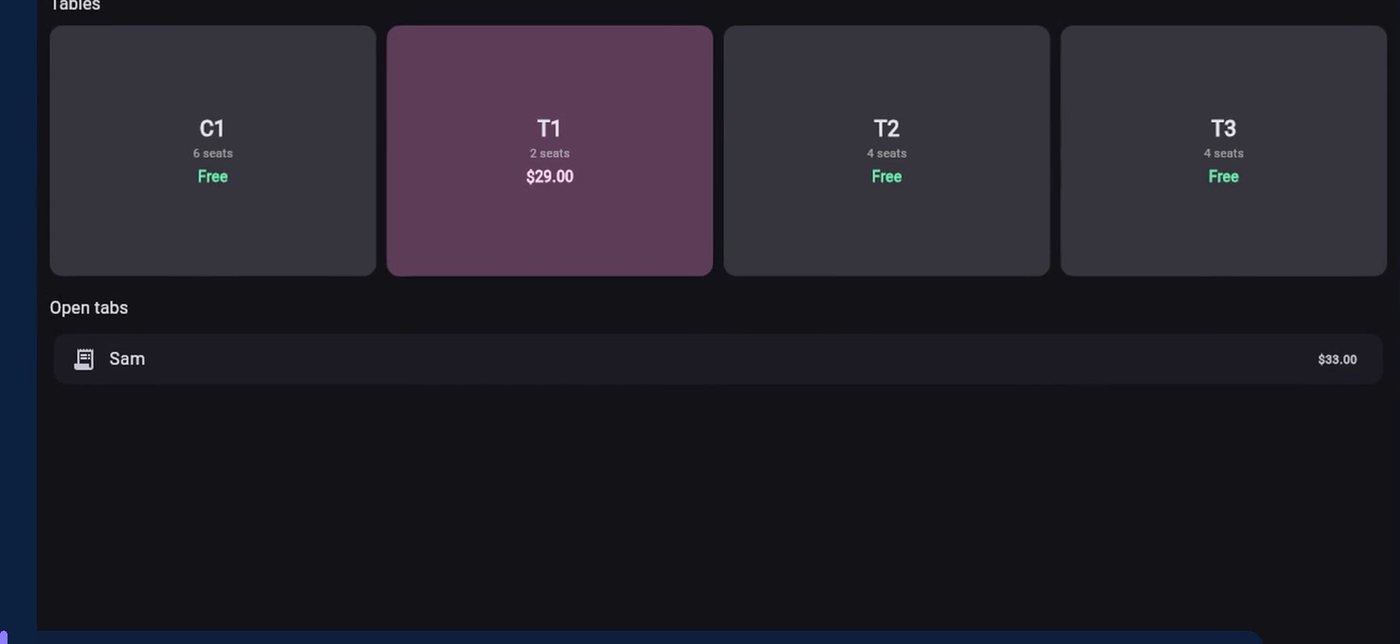
The floorTables with seats and running totals, open tabs beside them. A table changes colour the moment it is in use.
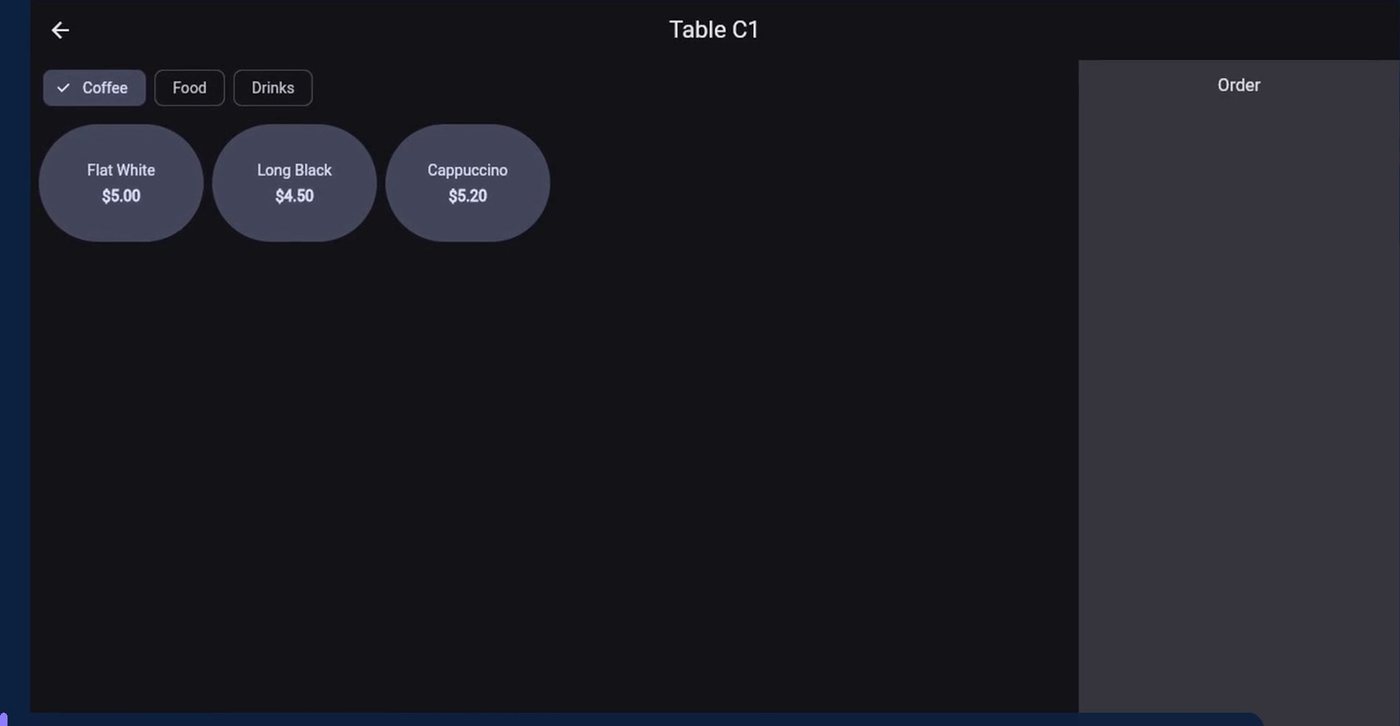
The registerCategories, items and modifiers on the left, the order and the bill on the right. Pick a seat and the bill splits itself.
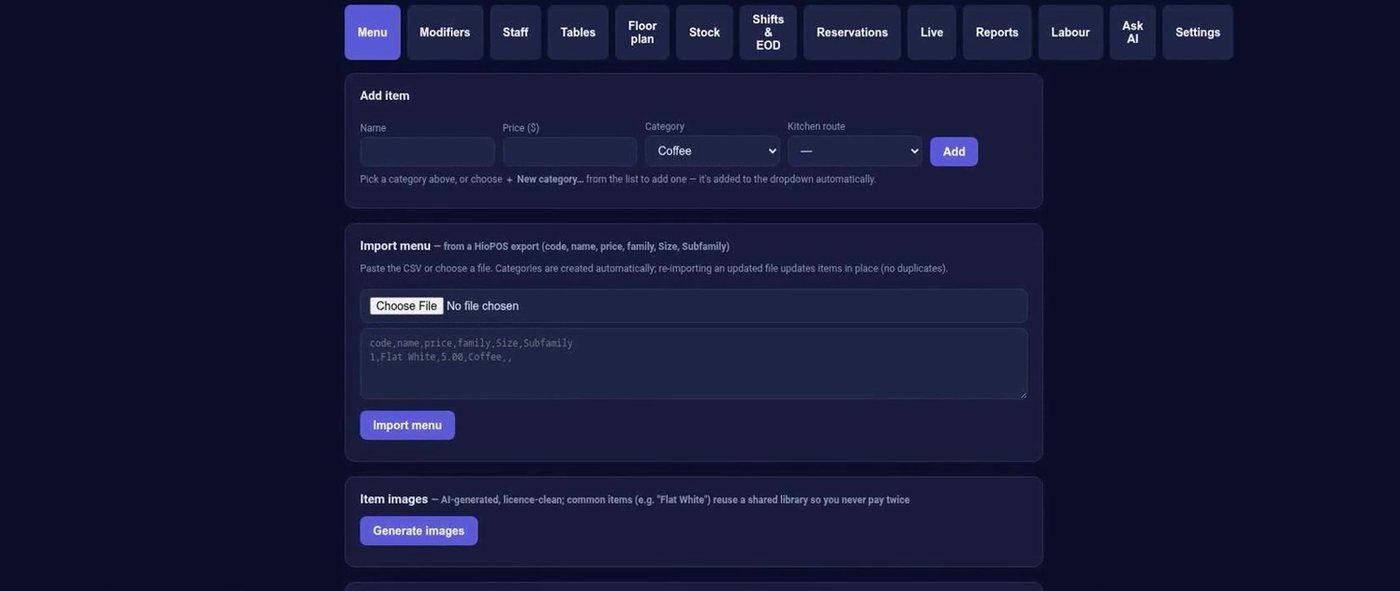
Master Office — menuAdd or edit an item, import a whole menu from a file, and generate item images for common dishes.
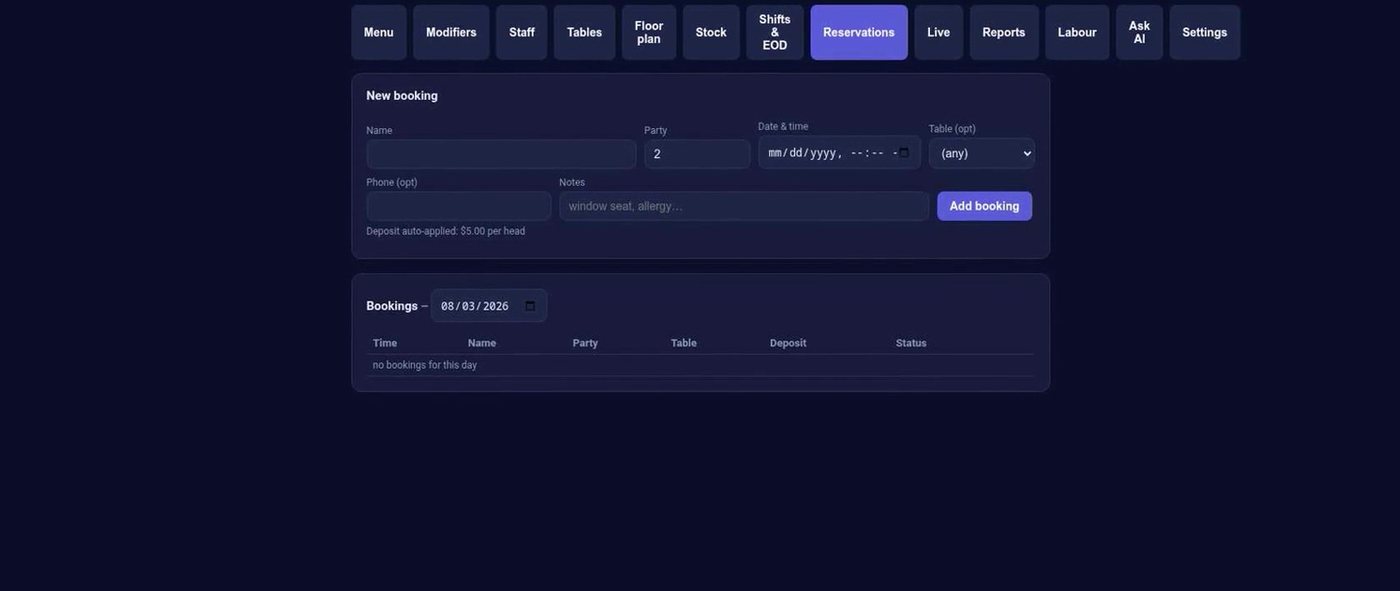
Master Office — reservationsTake a booking, hold a deposit, and seat the party on the floor when it arrives.
Master Office — ask your point-of-saleA question box over the venue's own numbers, a nightly owner brief, and supplier invoices read into lines.
In the room
Built for the rooms it has to work in.
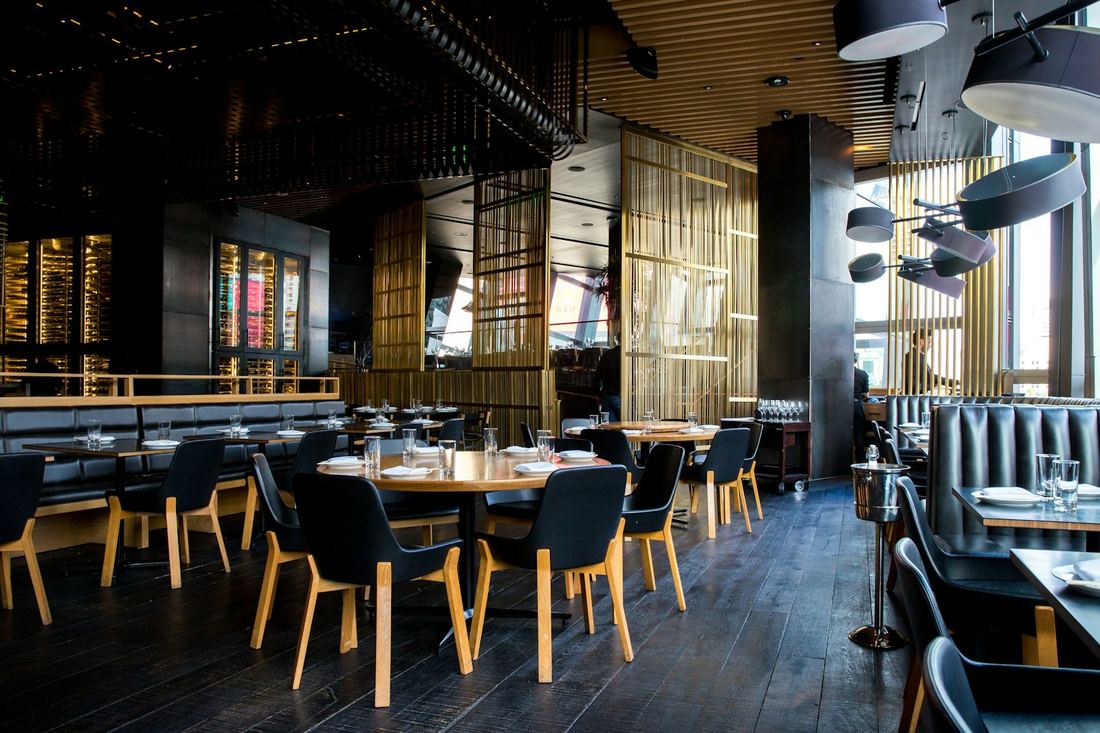
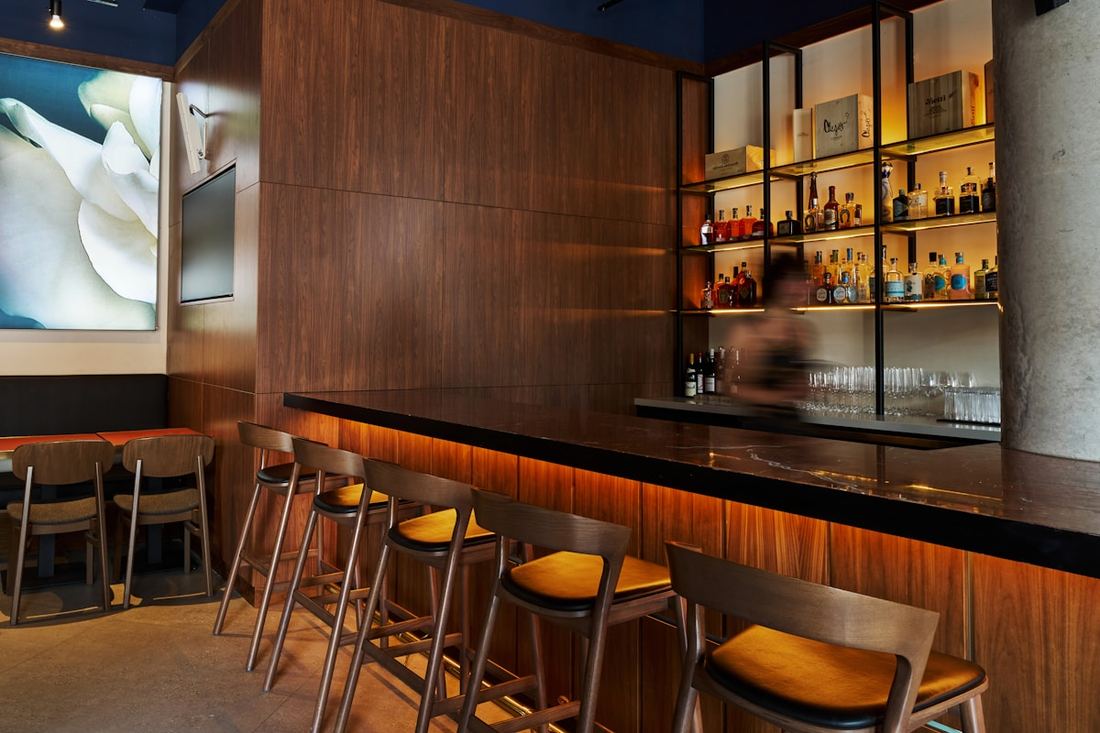
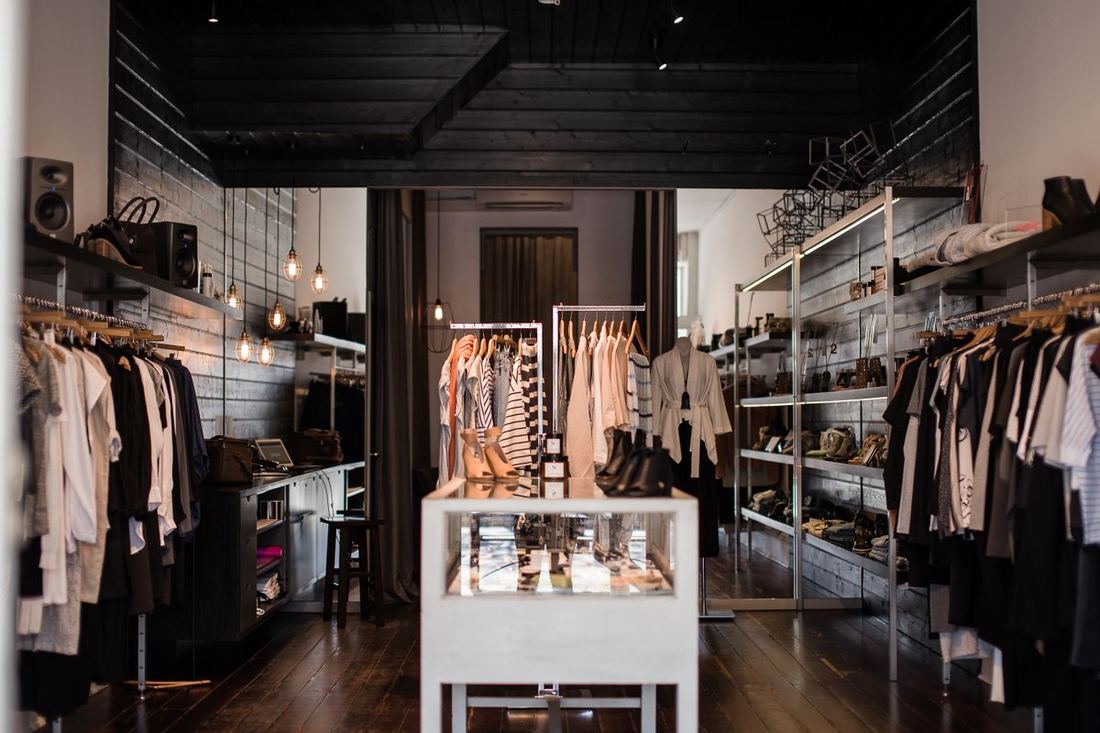
A counter with a queue behind it, a dining room mid-service, a bar at close, a shop floor on a Saturday. The same build runs all four — the venue picks the layout, not a different product.
Café and counter serviceDining room and table serviceBar and late tradeRetail floor and tours
The stack
Point-of-sale, integrations and payments, owned together.
PayPOS is the venue-facing half of the PAYTECH platform. It consumes one integration layer rather than building its own connectors, and the payment terminal on the counter belongs to the same system as the screen beside it.
Your brandPartners run PayPOS under their own name, theme and app track. The platform underneath does not show.
PayPOS — the venueThe floor app and the Master Office: orders, kitchen, staff, stock, bookings, devices and reporting.
PayCONNECT — the connectionsOne integration layer, wired once and shared by every venue and partner on the platform.
PAYTECH — the paymentsCard present, online and account-to-account underneath, settling back into the books. The payments layer already reaches 500+ point-of-sale integrations.